
Download Microsoft Office 2008 Update – Free Security Patch, Compatibility Fixes & Performance Boost
Overview
Microsoft Office 2008 was a popular productivity suite for Mac users, delivering classic Word, Excel, PowerPoint, Entourage and more. Over the years, many users have kept the suite alive on older Macs that run legacy operating systems such as Mac OS X 10.4‑10.6. As security standards evolved, the original installer began to show vulnerabilities, calendar glitches, and compatibility hiccups with newer file formats. The Microsoft Office 2008 12.1.4 Update addresses these concerns with a free, downloadable patch that restores stability and adds essential security hardening without forcing an upgrade to the modern Office 365 environment.
The update is especially valuable for educational institutions, small businesses, and home users who rely on the Student or Home editions of Office 2008. It also supports the special media edition that ships with certain Mac models. By applying the 12.1.4 patch, users gain the latest bug‑fixes for the calendar module, improved handling of embedded objects in Word, enhanced charting in Excel, and a more reliable PowerPoint rendering engine. In short, the update lets you keep using a familiar interface while ensuring that your documents remain safe from known exploits.
Because the patch is distributed directly by Microsoft, it is signed, secure, and designed to work seamlessly with the original Office 2008 installer. No additional cost is required, making it an ideal solution for anyone who wants to protect their data without investing in a new software license. Below you’ll find a deep dive into the update’s key features, step‑by‑step installation guidance, system compatibility, and an honest assessment of its pros and cons.
Key Features and Improvements
- Security hardening – patches known vulnerabilities in Word, Excel, PowerPoint and Entourage.
- Calendar bug fix – resolves event duplication and time‑zone display errors.
- Excel 2008 enhancements – improved formula calculation speed and new chart types.
- PowerPoint 2008 stability – fixes crashes when opening large media files.
- Entourage 2008 compatibility – better synchronization with newer Exchange servers.
- File‑format support – adds smoother handling of Office Open XML documents (DOCX, XLSX, PPTX).
- Performance tuning – reduces launch time for all Office apps on older hardware.
- Installation safety – digitally signed package ensures authenticity and prevents tampering.
While the update does not introduce brand‑new features such as real‑time co‑authoring, its focus on stability and security makes it indispensable for legacy users. The calendar bug fix, for instance, has been a common complaint among educators who schedule recurring classes; after applying the 12.1.4 patch, the recurrence logic respects daylight‑saving adjustments and no longer creates duplicate entries. Excel’s calculation engine now leverages a more efficient memory allocation strategy, which is noticeable when handling spreadsheets with thousands of rows – a boon for analysts still using the 2008 suite for quick data crunching.
PowerPoint users will appreciate the refined rendering pipeline that eliminates the “blue screen” crash that occurred when embedding high‑resolution video clips. Entourage’s updated sync engine smooths the migration path to newer Exchange servers, reducing the number of authentication errors that older clients often faced. Moreover, the patch expands support for the newer Office Open XML formats, allowing you to open and save DOCX, XLSX, and PPTX files without resorting to third‑party converters. This compatibility upgrade is crucial for collaboration with colleagues who have already moved to newer Office versions.
Overall, the Microsoft Office 2008 12.1.4 Update strikes a balance between preserving the classic user experience and delivering modern security standards. It’s a free, low‑impact solution that extends the useful life of older Macs, especially in environments where replacing the entire suite is not financially feasible.
Installation, Usage & Compatibility
Step‑by‑Step Installation Guide
- Visit the official Microsoft download page for “Microsoft Office 2008 Update 12.1.4”. Verify that the URL begins with
https://download.microsoft.comto ensure you are getting the authentic package. - Click the “Download” button. The file is typically named
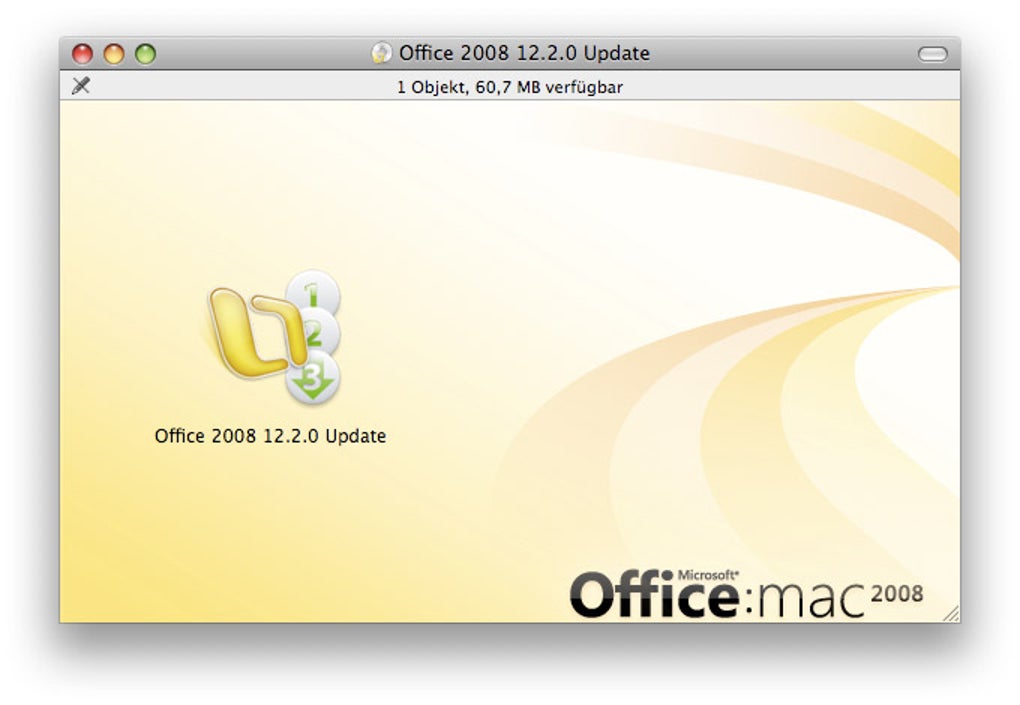
Office2008_12.1.4.dmgand is around 120 MB. - Once the download completes, double‑click the DMG file to mount it on your desktop.
- Inside the mounted volume, locate the
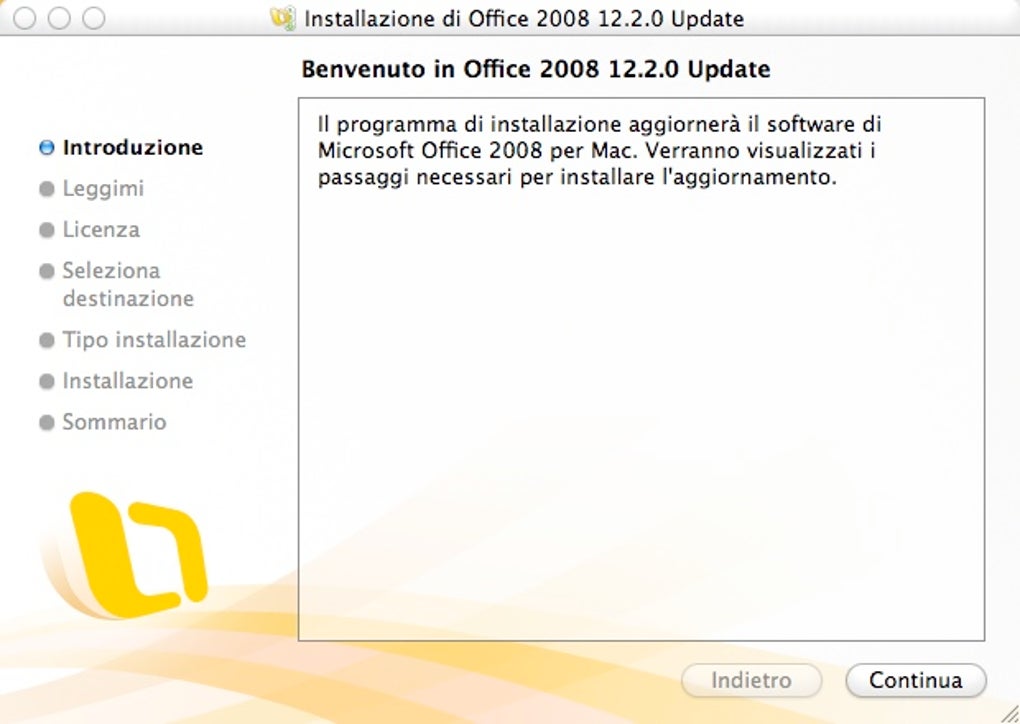
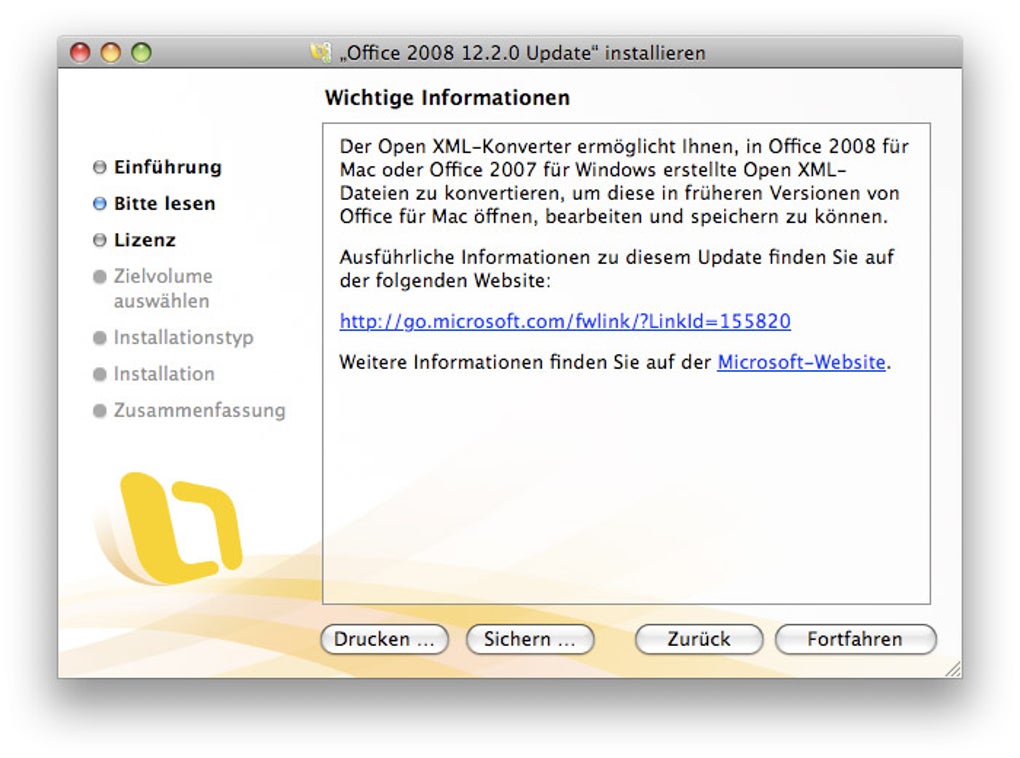
Office2008_12.1.4.pkginstaller and double‑click it. - Follow the on‑screen prompts: accept the license agreement, select the destination drive (usually your main Macintosh HD), and enter an administrator password when requested.
- The installer will perform a quick integrity check, then apply the patches to the existing Office 2008 bundle. This process takes 2‑5 minutes depending on your hardware.
- When the installation finishes, you’ll see a confirmation dialog. Click “Close” and eject the DMG by dragging it to the Trash.
- Open any Office app (Word, Excel, PowerPoint, Entourage) to verify that the version number now reads “12.1.4”. You may also open the “About Microsoft Office 2008” menu to confirm the update.
Usage Tips After Updating
After the patch is applied, it’s a good practice to clear the Office cache to prevent legacy preferences from causing conflicts. Open the “Finder”, select “Go” → “Go to Folder…”, type ~/Library/Preferences, and delete any files that begin with com.microsoft.Office. Restart your Mac, then launch the Office applications. You’ll notice faster start‑up times and smoother transitions between documents.
If you encounter any unexpected behavior, such as a missing font or a broken macro, revert to a clean backup of your Office folder. Microsoft recommends keeping a copy of the original /Applications/Microsoft Office 2008 folder before applying updates. Restoring the backup and re‑installing the patch can resolve rare edge‑case issues.
Operating System Compatibility
The 12.1.4 update is designed for Mac OS X 10.4 (Tiger) through 10.6 (Snow Leopard). It will not install on macOS 10.7 (Lion) or later, as Office 2008 is not supported on those newer platforms. Users running PowerPC‑based Macs can also apply the patch, provided they have the Rosetta translation layer enabled (required for running Intel binaries on older hardware). For best performance, we recommend at least 2 GB of RAM and a 500 MB free disk space reserve for temporary files.
If your machine runs an older OS that cannot be upgraded, the Office 2008 update remains a viable security solution. However, you should also consider enabling the built‑in firewall and installing a reputable anti‑virus program, as Microsoft no longer provides ongoing security patches beyond this release.
Pros, Cons & Frequently Asked Questions
Pros
- Free and official: No hidden fees or third‑party installers.
- Improved security: Patches critical vulnerabilities that could be exploited by malware.
- Bug fixes: Resolves calendar glitches, Excel performance issues, and PowerPoint crashes.
- Enhanced compatibility: Better handling of DOCX, XLSX, and PPTX files.
- Low system impact: Minimal CPU and memory usage, ideal for older Macs.
Cons
- Only supports Mac OS X 10.4‑10.6; newer macOS versions are not compatible.
- No new features beyond security and stability; users seeking modern collaboration tools must upgrade.
- Does not address underlying limitations of the 2008 suite, such as lack of cloud integration.
- Requires manual download and installation; no automatic update mechanism.
FAQ
Is the Microsoft Office 2008 12.1.4 update safe to download?
Yes. The update is provided directly by Microsoft through its official download portal. The package is digitally signed, which guarantees its authenticity and prevents tampering.
Can I install the update on a Mac running macOS Catalina?
No. Office 2008 and its updates are limited to macOS 10.4‑10.6. For Catalina or later, you’ll need to upgrade to a newer Office version such as Office 2019 or Microsoft 365.
Do I need to uninstall Office 2008 before applying the 12.1.4 patch?
No. The patch is designed to run over an existing installation. However, backing up the /Applications/Microsoft Office 2008 folder beforehand is advisable.
Will the update fix my missing calendar events?
The 12.1.4 update includes a specific fix for calendar duplication and time‑zone errors, so most calendar‑related problems should be resolved after installation.
Is there any cost associated with future updates for Office 2008?
Microsoft has discontinued active development for Office 2008, so no further official updates are expected. The 12.1.4 patch is the final security and compatibility release.
Conclusion & Call to Action
For anyone still relying on Microsoft Office 2008 on a legacy Mac, the 12.1.4 update is a must‑install. It delivers essential security hardening, resolves long‑standing bugs, and extends compatibility with newer file formats—all without costing a single cent. While the suite itself is dated and lacks modern cloud features, the patch ensures that the core productivity tools remain stable and safe for day‑to‑day tasks such as document creation, spreadsheet analysis, and presentation design.
If your Mac runs macOS 10.4‑10.6 and you have the original Office 2008 suite installed, click the download link below, follow the quick installation steps, and enjoy a smoother, more secure Office experience. Don’t let an outdated patch hold you back—secure your documents today.







